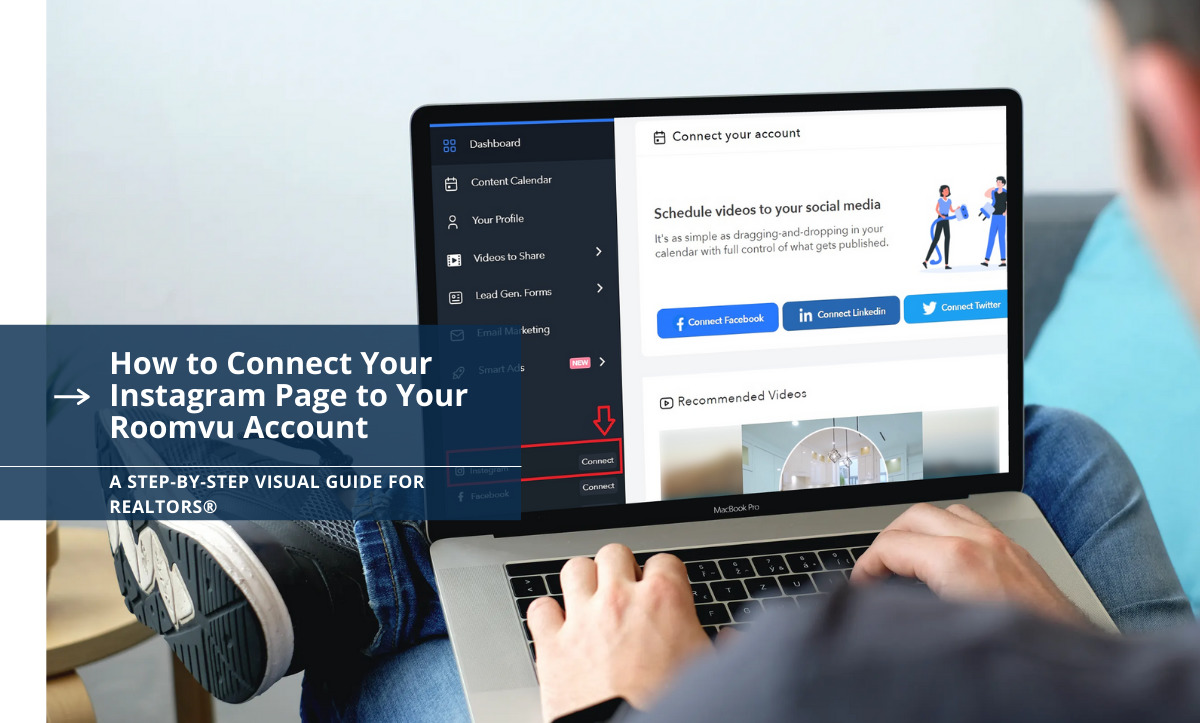
roomvu provides real estate agents with valuable real estate video content. What makes roomvu’s services even more interesting is that you can automate your social media, meaning that roomvu takes care of sharing your content to your social media account. But before sharing content, you need to connect your roomvu account to your social media pages. In this article, we will teach you how to connect your Instagram account in a few easy and simple steps. Read our guide about Real estate social media marketing to be a successful realtor On social media platforms.
How to Connect Your Instagram Page to Your roomvu Account
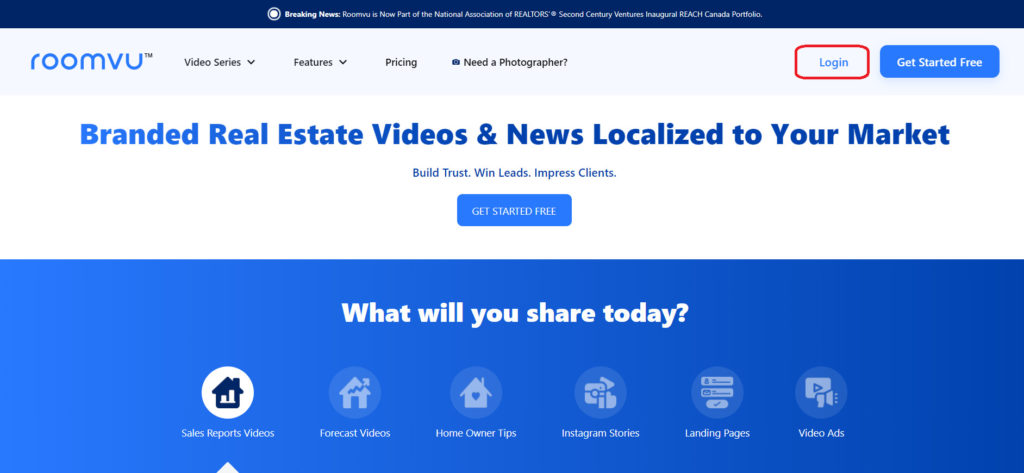
Go to your roomvu dashboard.

In the lower-left corner is “connect more.” Click that.

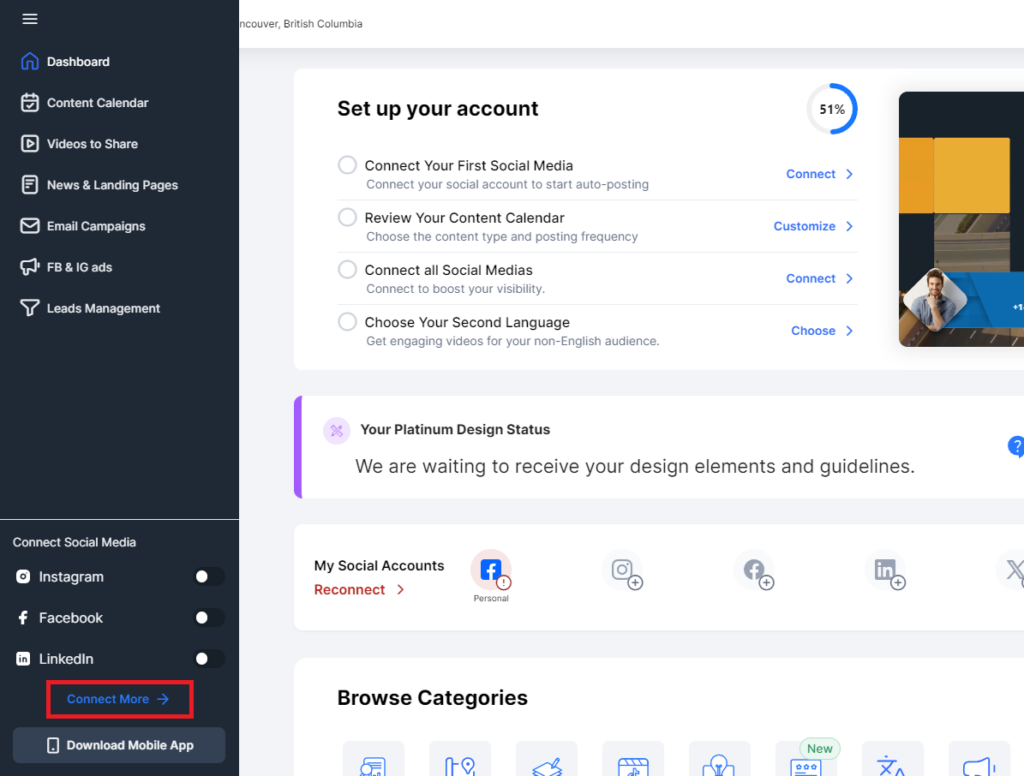
The connection engine will open.

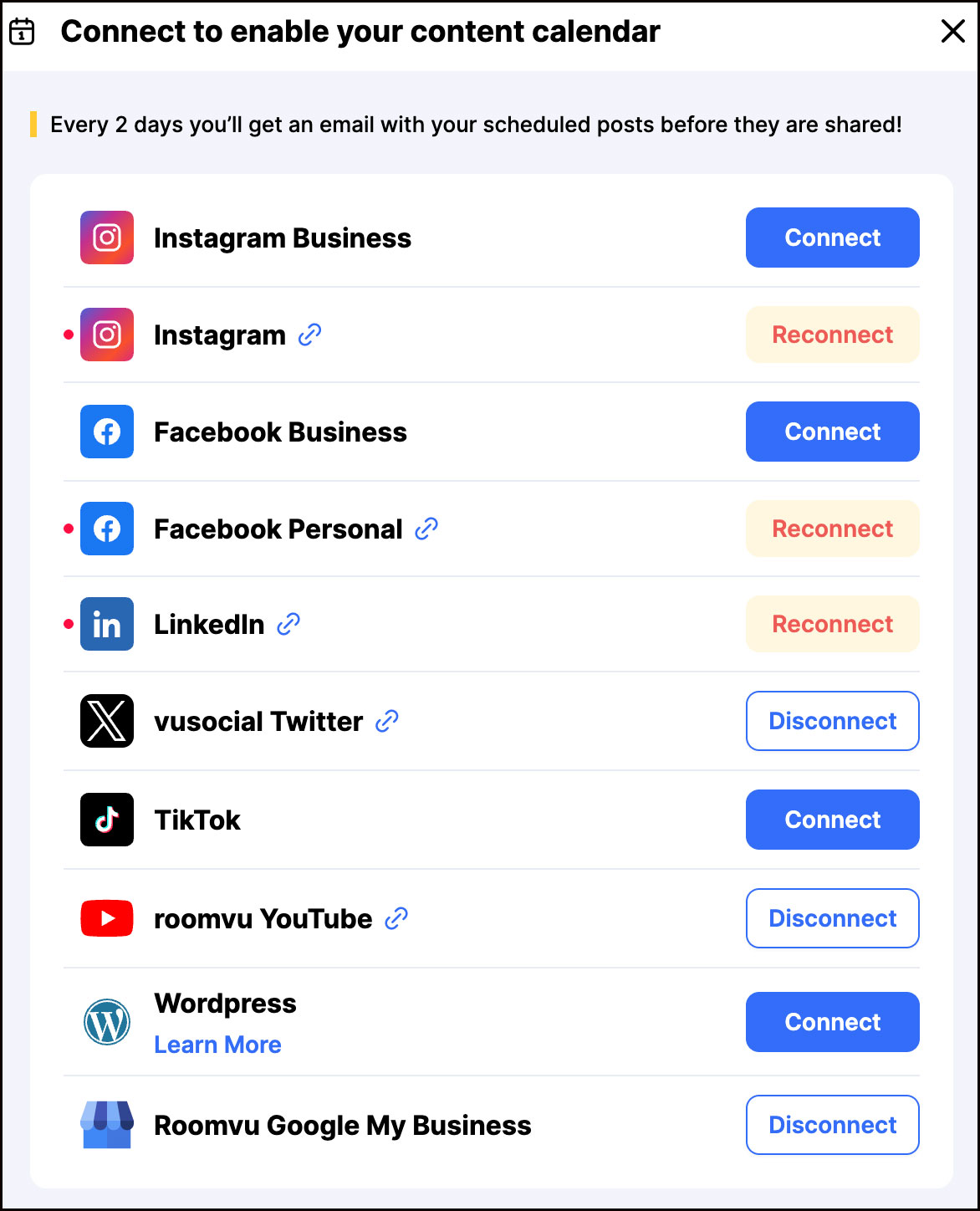
roomvu recommends using a Professional Instagram account
We highly recommend using a business account. If you do not have a business account, click on this link to convert your personal account to a business account, or click here to learn how to create one.
Connect to a Professional Instagram Account

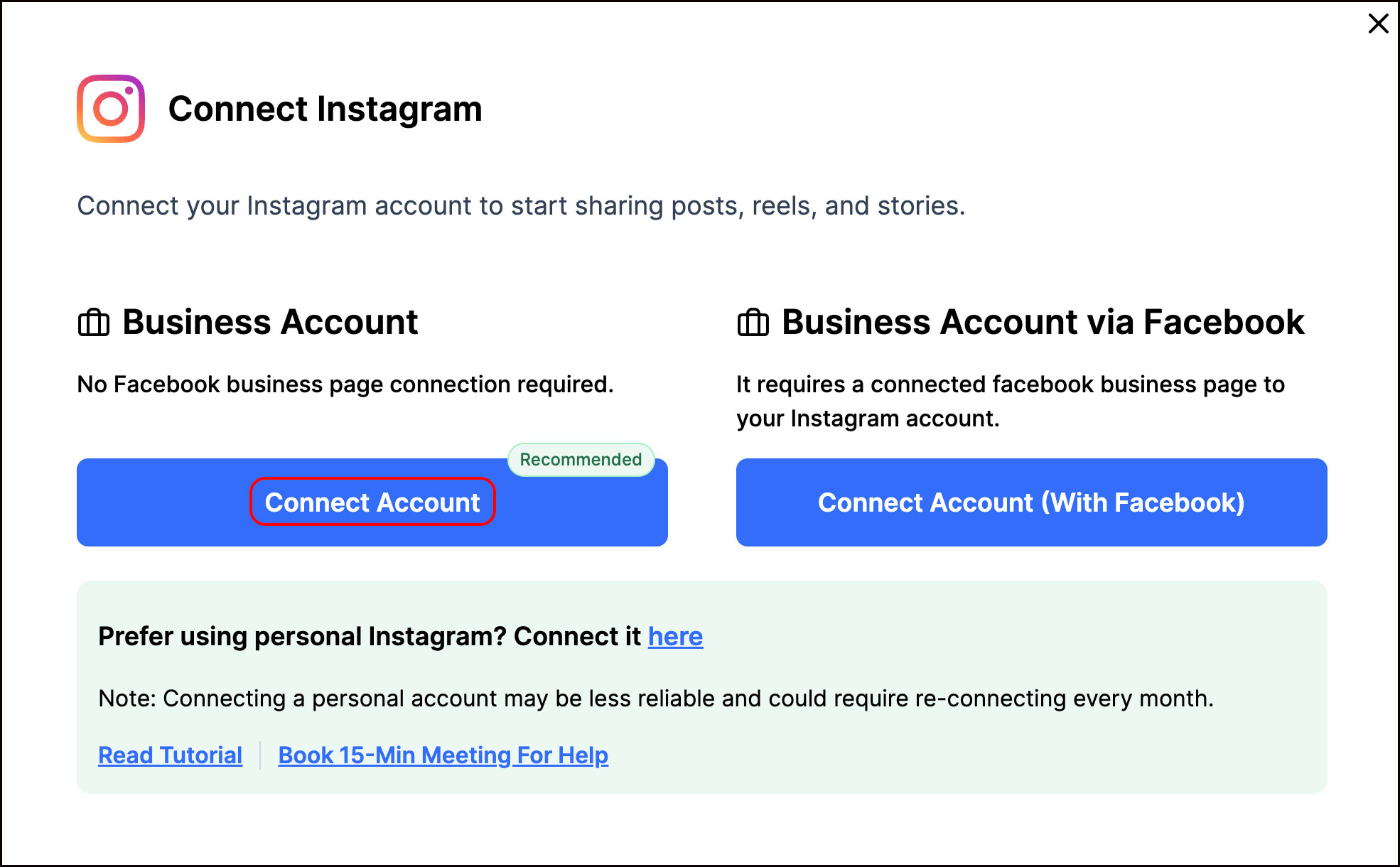
As mentioned earlier, we recommend using a Professional (business) Instagram account. You have to options. You can connect using Instagram which is easier or you can connect through your Facebook business page.
Connect Using Instagram
Click “Connect Account“. Make sure you are already logged in to your instagram accoun on the browser you are using and can access your acount and see the posts. Instagram will ask you for permission to allow roomvu to connect to your account. Click “allow”.

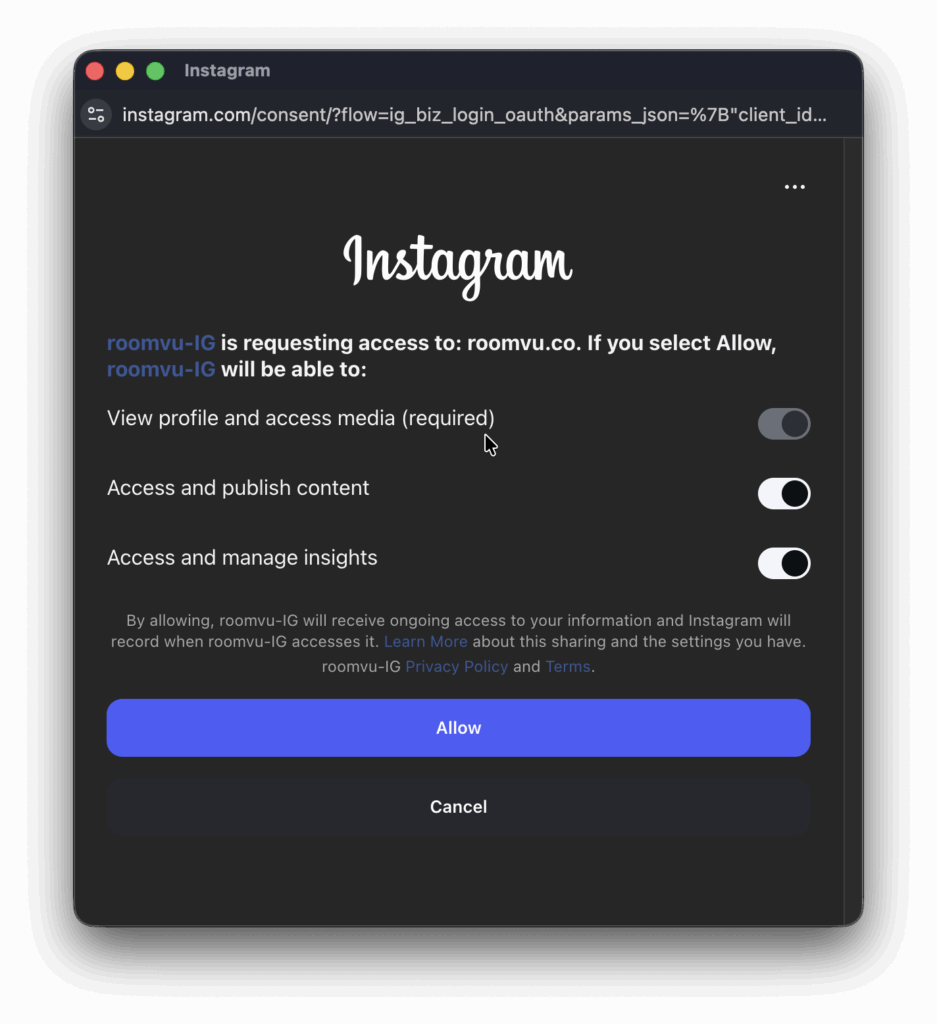
Make sure you are already logged in to your instagram accoun on the browser you are using and can access your acount and see the posts. Instagram will ask you for permission to allow roomvu to connect to your account. Click “allow”.
Connect Using Facebook Page
If you choose to connect using your Faceboo page, your Instagram Account should be a business account connected to your Facebook page. Click “Connect with Facebook.” If you have not connected your Instagram Professional account to a Facebook Business page, please see this link.
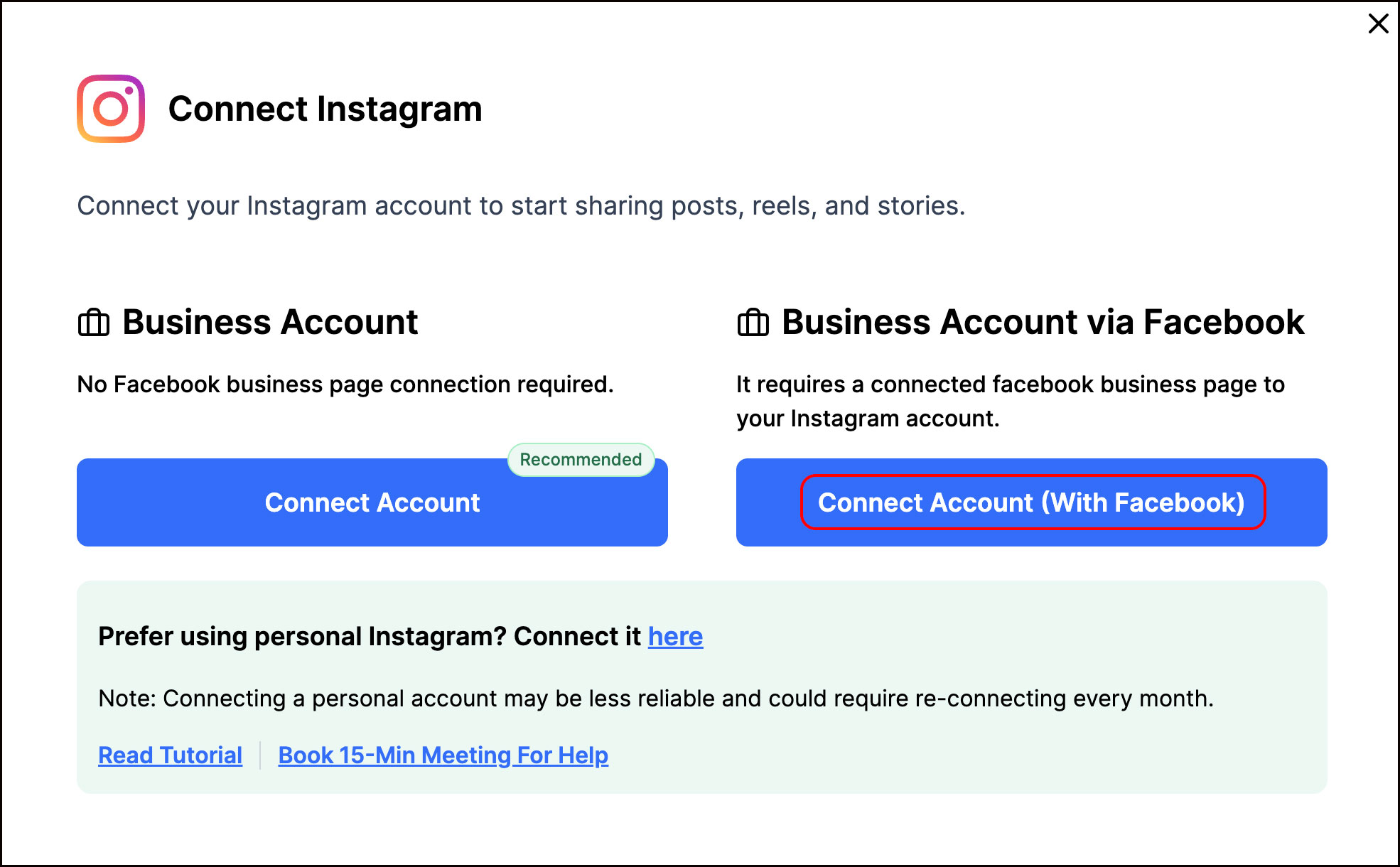
On the pop-up window, enter the username and password for your FACEBOOK business page, which is connected to your Instagram business account.