Get 7X More Engagement With Your AI Avatar: Step-by-Step Setup in roomvu
Activate your AI Avatar to add your face and voice to content automatically and increase reach, engagement, and visibility.


If your videos feel “invisible” lately, you’re not alone.
A lot of creators, agents, and business owners are posting solid content, yet getting 10–20 views, low reach, and almost no engagement.
Here’s the truth:
It’s not because your content is bad.
It’s because your content is missing the one thing algorithms prioritize most: your face and identity.
The Real Reason Your Content Gets Suppressed
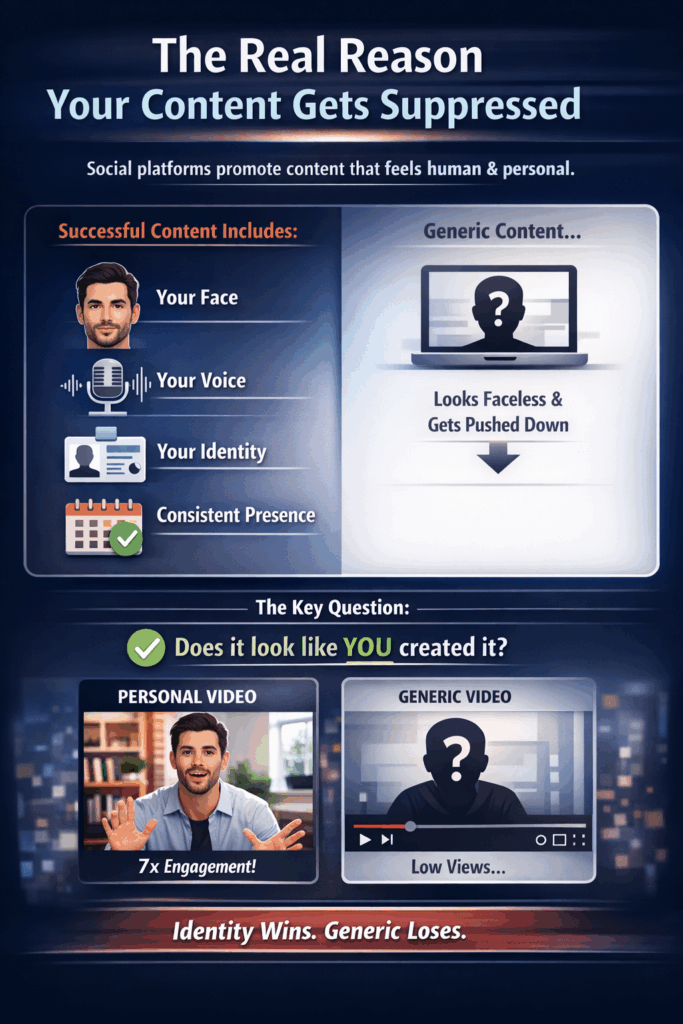
Social platforms are designed to promote content that feels human, personal, and recognisable.
That means content that includes:
- Your face
- Your voice
- Your identity
- Your consistent presence
When your posts don’t include those signals, they can look like generic, faceless content. And generic content often gets pushed down in feeds.
That’s why the same “perfect video” can get completely different results depending on one thing:
✅ Does it look like you created it?
The “7x Engagement” Fix: Your AI Avatar (Digital Clone)
Your AI Avatar is your digital clone inside roomvu.
It looks like you.
It sounds like you.
It feels like you.
And the best part is it removes the need to manually personalise every single video just to show up consistently.
📈 On average, content that includes your Avatar gets up to 7x more engagement compared to content without your face.
What Platinum Members Get (Automatic Weekly Deployment)
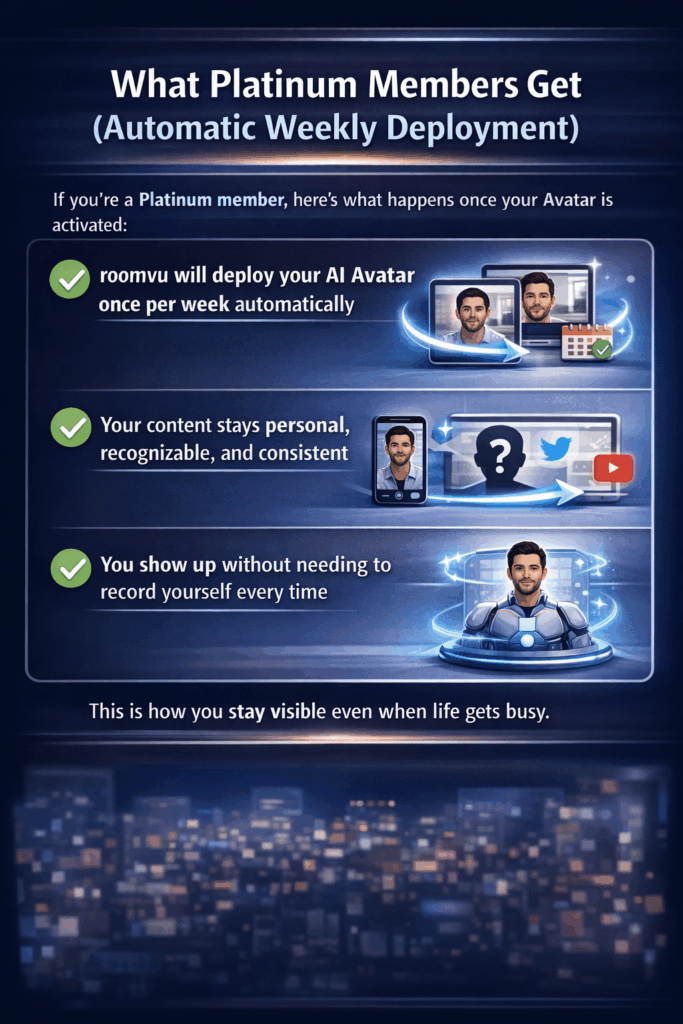
If you’re a Platinum member, here’s what happens once your Avatar is activated:
✅ roomvu will deploy your AI Avatar once per week automatically
✅ Your content stays personal, recognisable, and consistent
✅ You show up without needing to record yourself every time
This is how you stay visible even when life gets busy.
How to Activate Your AI Avatar (Step-by-Step)
Your Avatar is waiting inside your account. You just need to verify it once.
Step 1: Open your AI Settings
- Log in to your roomvu dashboard
- Go to Settings
- Click AI Settings
Step 2: Confirm your base photo
You’ll see the base photo that will be used to generate your Avatar.
- Make sure it looks like you
- Update it if you want a newer look
Step 3: Verify your voice clone
To complete the setup:
- Read the provided script out loud
- Confirm and save your voice
That’s it. Your Avatar is now active.
Bonus Hack (After Activation): Connect All Your Social Accounts
Once your Avatar is activated, do this next:
✅ Add all your social accounts inside your roomvu dashboard.
Why?
Because when you consistently publish content with your face and voice across platforms, AI search engines begin recognising you as a real entity.
That includes tools like:
- ChatGPT
- Perplexity
This is called AIO (AI Optimisation).
It’s the next wave of visibility, where people don’t just discover you on Instagram or Google, they discover you through AI-powered search.
In simple terms:
When AI understands who you are, it starts recommending you.
Final Takeaway
If you want your content to stop getting stuck at 10 views, don’t just post more.
Post with identity.
Your AI Avatar helps you show up like a real person, consistently, automatically, and at scale.
✅ Activate your Avatar
✅ Let roomvu deploy it weekly
✅ Connect your social accounts for the AIO bonus
Your audience (and the algorithm) will finally recognise you again.