

Let’s be honest—most real estate professionals don’t have a huge archive of professional photos. Many of the photos you might have are:
- Cropped from casual shots
- Low quality or blurry
- Lacking professional attire
- Or maybe you don’t even have a proper headshot at all
We get it. Between open houses, client meetings, and paperwork, scheduling a professional photo shoot can feel impossible. From getting dressed up to hiring a photographer and waiting for edited images, the process is both time-consuming and expensive.
That’s exactly why we created Clone Avatar.
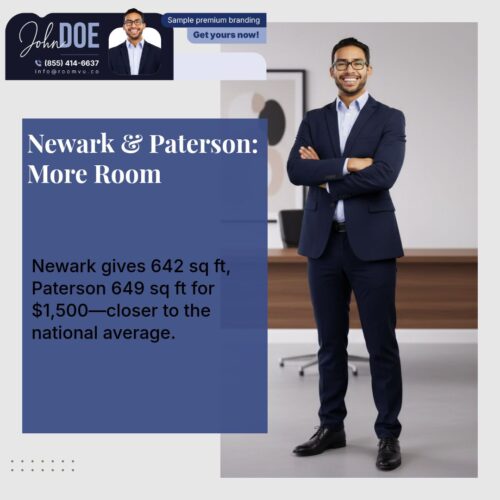
This AI-powered feature clones your photo and generates hyper-realistic, professional images of you in seconds. The avatars are designed specifically for professional use and are automatically integrated into the content roomvu creates and shares for you—so you always look polished and consistent online.


How to Activate Clone Avatar
Currently, activation is done through the roomvu support team. If you’d like to start using Clone Avatar, simply reach out to our support and we’ll get it set up for you.
In the near future, you’ll also be able to activate it directly from your dashboard for even faster access.




How to Use Clone Avatar
Once your digital clones are active, using them in your content is simple:
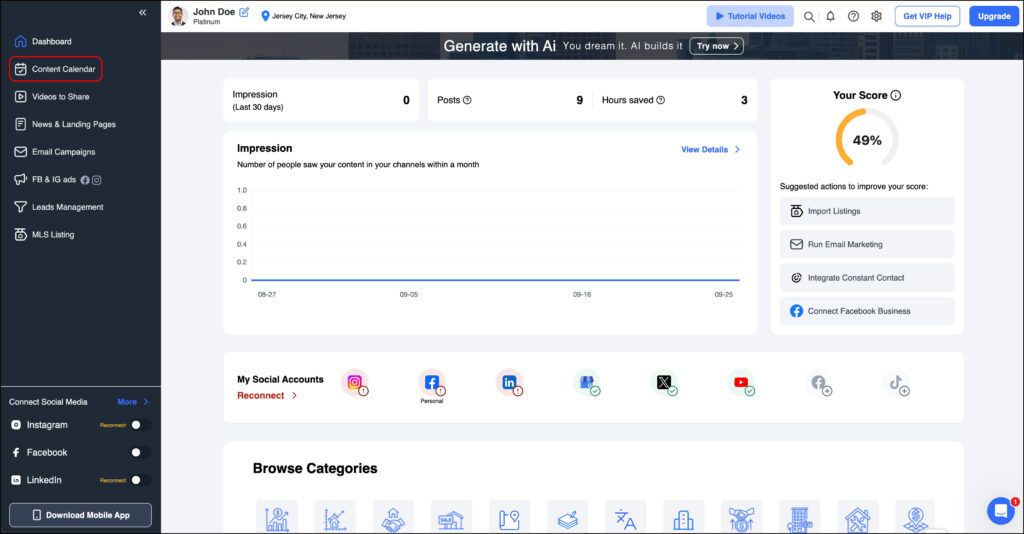
- Go to your dashboard
- Click “Content Calendar”

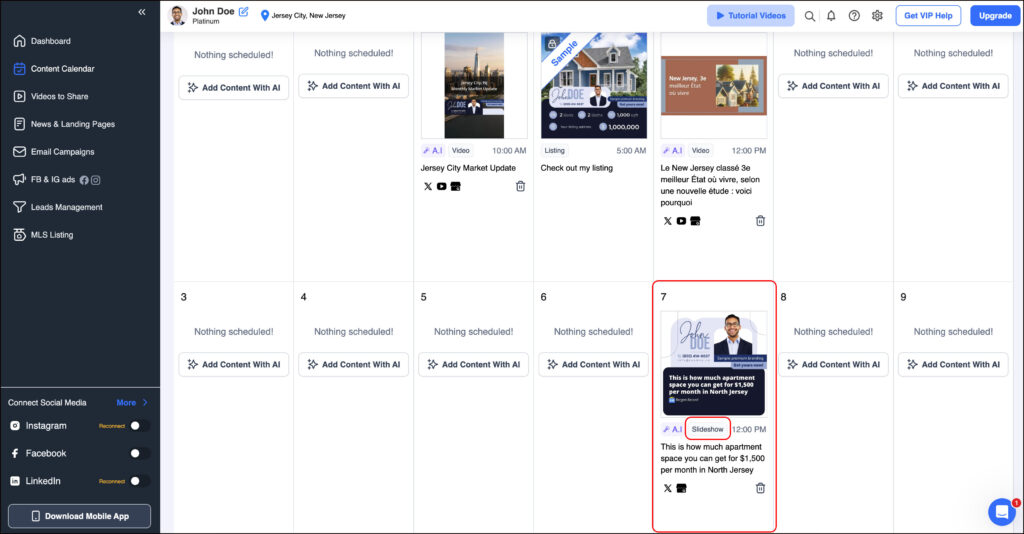
- Look for posts tagged “Slide Show” and click on one
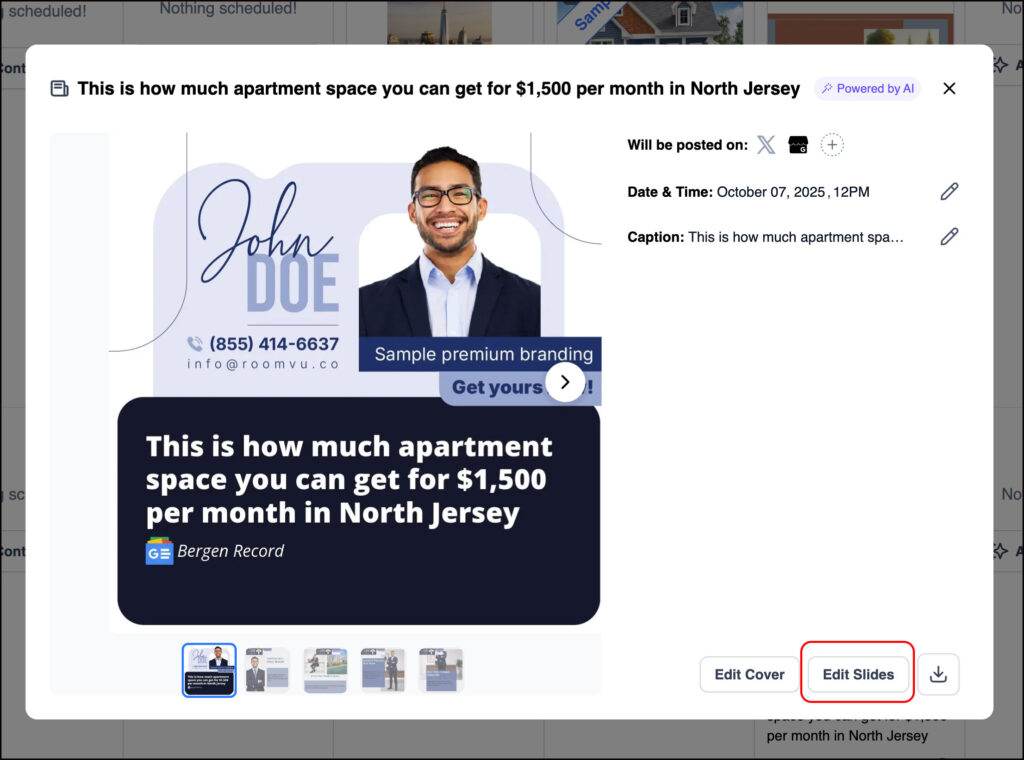
- In the pop-up window, click Edit Slides to view the different slides.

- Select a slide and click on the image element

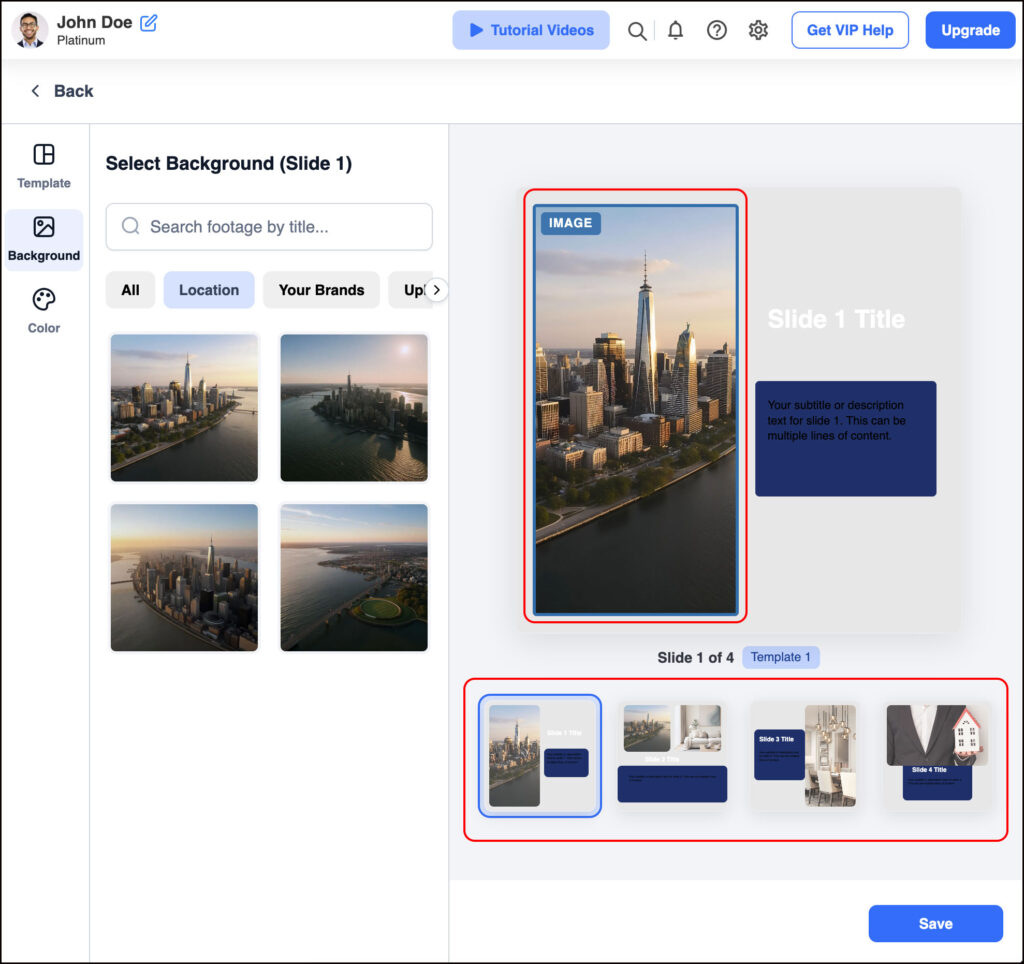
- On the left panel, click Your Brands—this is where your AI clones live

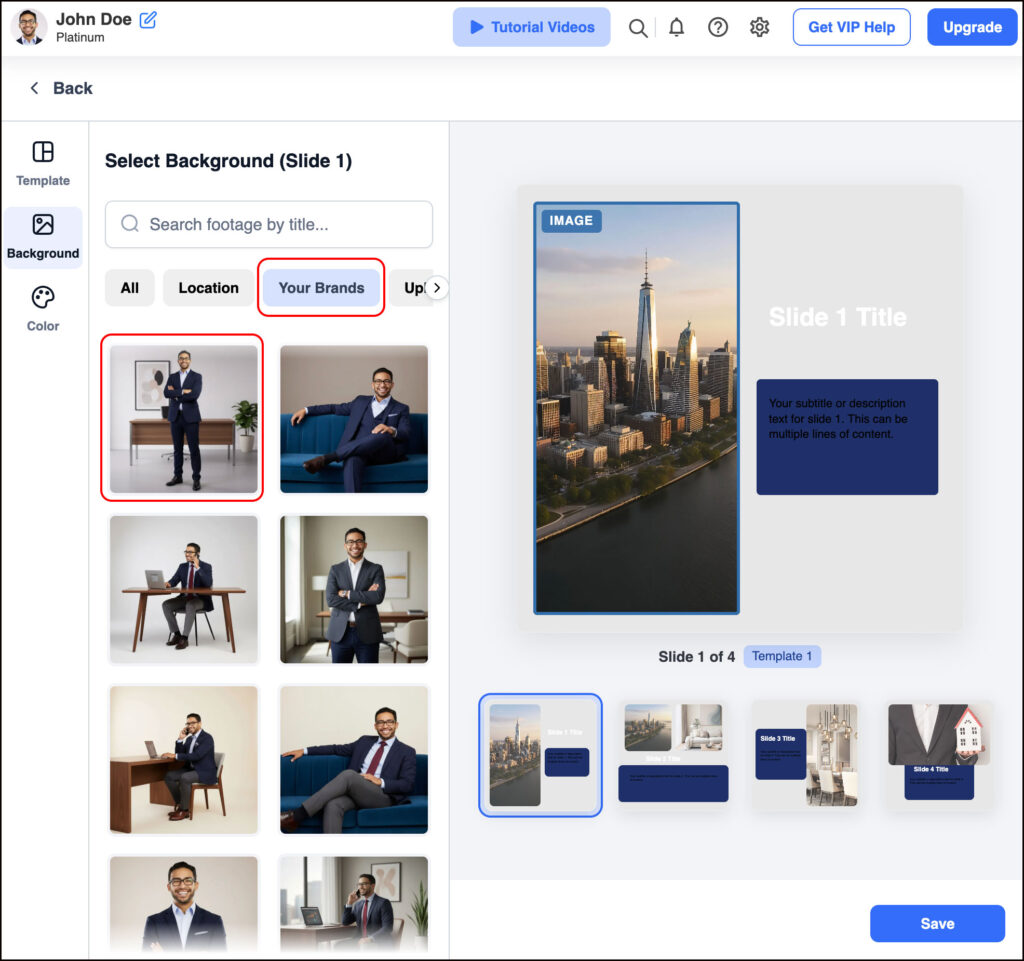
- Pick the photo that best fits the slide
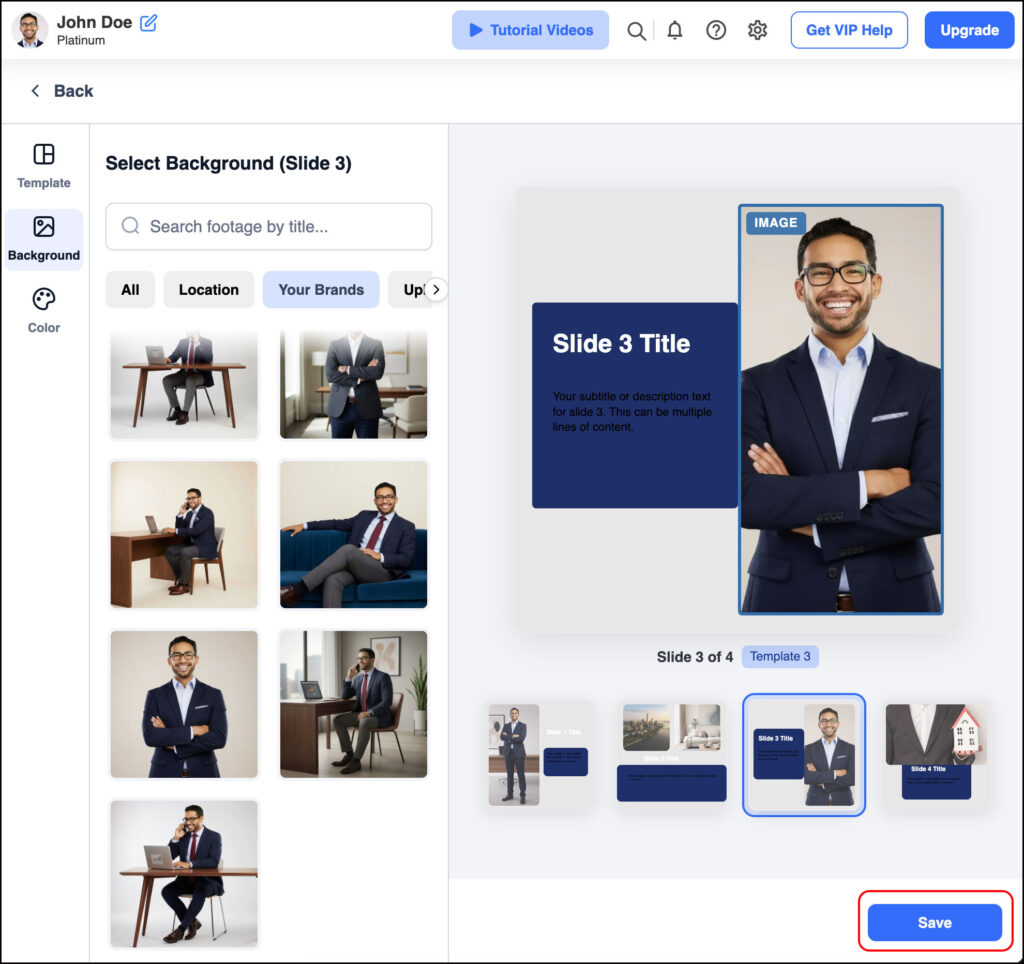
- Repeat for other slides as you like
- Once finished, click Save

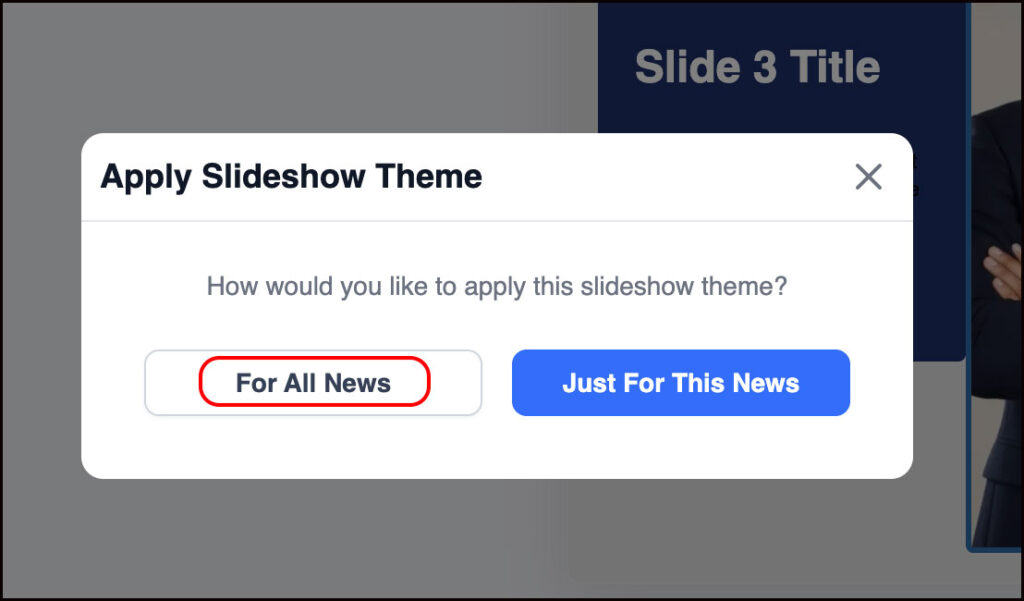
👉 We recommend applying your chosen design to all new posts for a consistent brand look. However, you can also manually adjust individual posts if you prefer to vary the design and photos.

Final Thoughts
With Clone Avatar, you never have to worry about scrambling for a professional photo again. In just a few clicks, you’ll have studio-quality, professional images ready to enhance your content—helping you stand out on social media, ads, and email campaigns.
It’s fast, effortless, and cost-effective—so you can focus on what you do best: closing deals.