


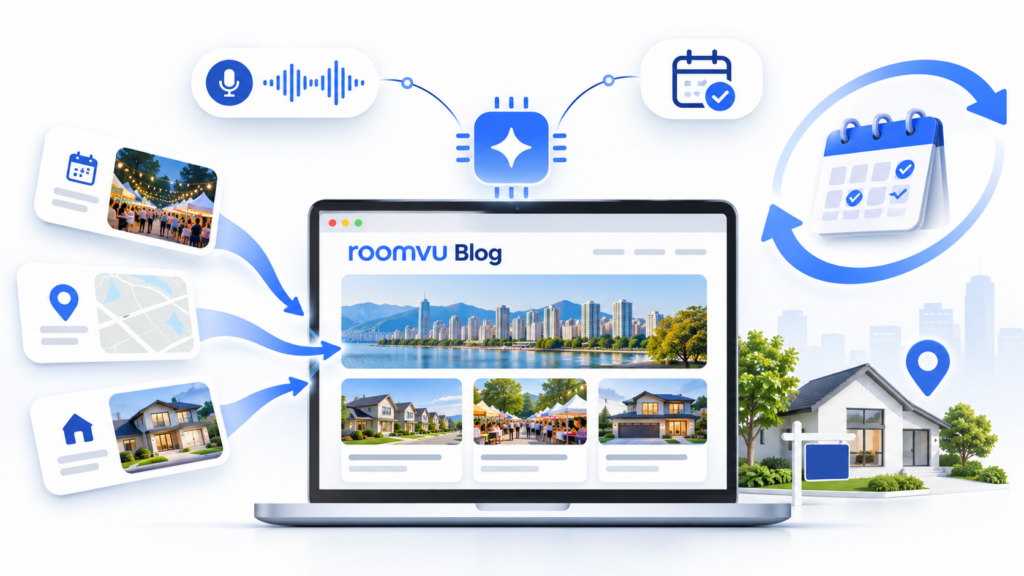
The roomvu Blog is a real estate blog that runs itself. Once it is set up, roomvu publishes fresh, hyper-local posts to your website every day, in your voice, whether you log in or not.
What the roomvu Blog Is
What lands on your blog automatically:

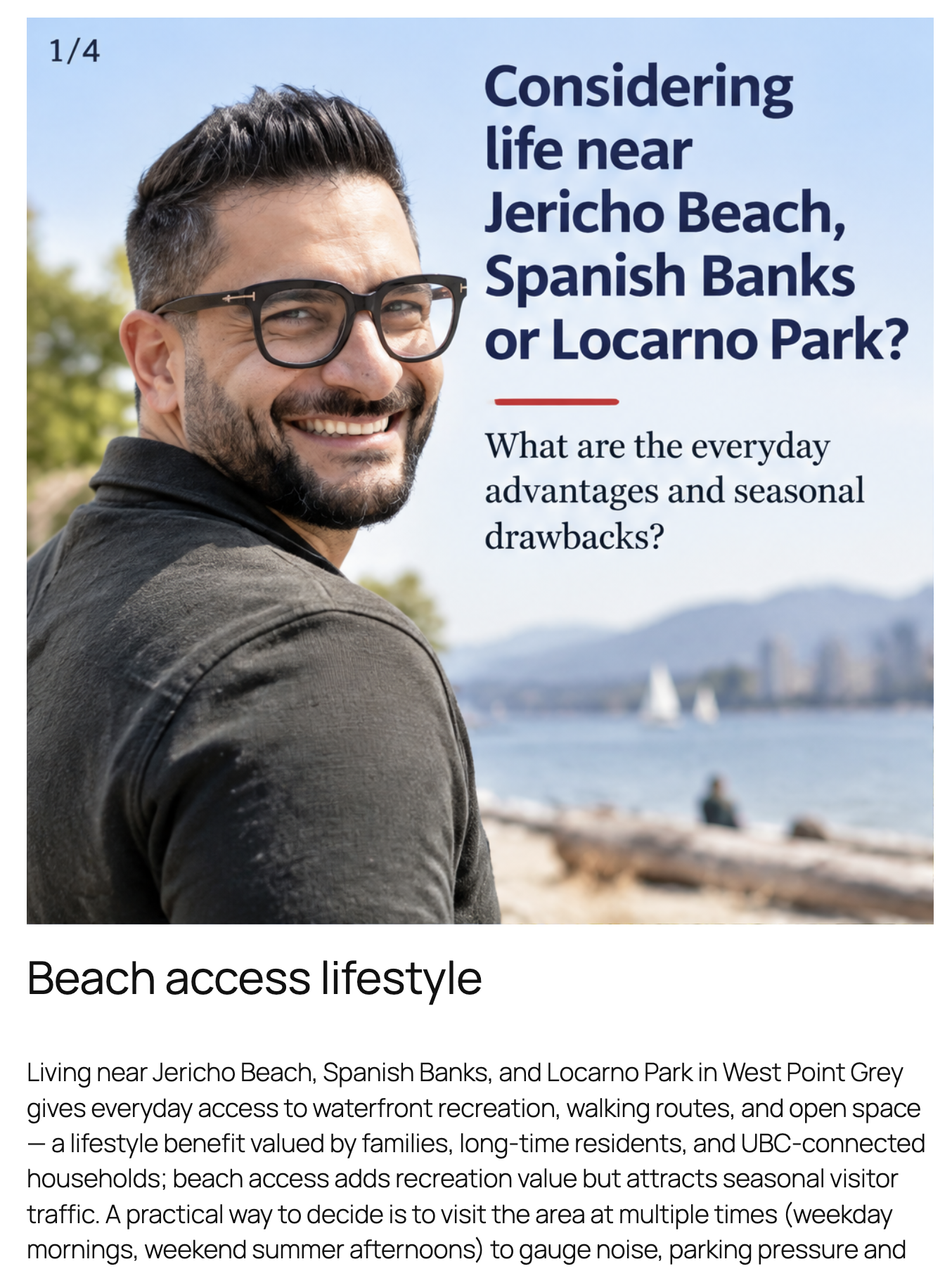
That is the whole point: zero writing, zero scheduling, zero SEO homework. You get a living, local blog that tells Google and AI tools like ChatGPT that you are the agent who knows the area.
The Blog comes with the roomvu website in the Brand Builder and Territory plans. See roomvu plans.
One-Time Setup (About 10 Minutes)
Two things, done once, and your blog runs on its own from then on.
1. Connect your own domain
Your blog needs to live on your own domain (like www.yourname.com) so the search and AI credit goes to you, not to a roomvu link.
- Add the DNS records at your domain provider. There is a guide for each provider (GoDaddy, Namecheap, Wix, Squarespace, .realtor) in How to Connect Your Domain to roomvu.
- In roomvu, go to Settings → Website, type your domain into Enter your domain, and click Save Changes.
2. Set your Voice DNA
Voice DNA is a two-minute, one-time capture of how you speak, what you cover and who you serve. roomvu uses it to write every post so your blog sounds like you, not like every other agent.
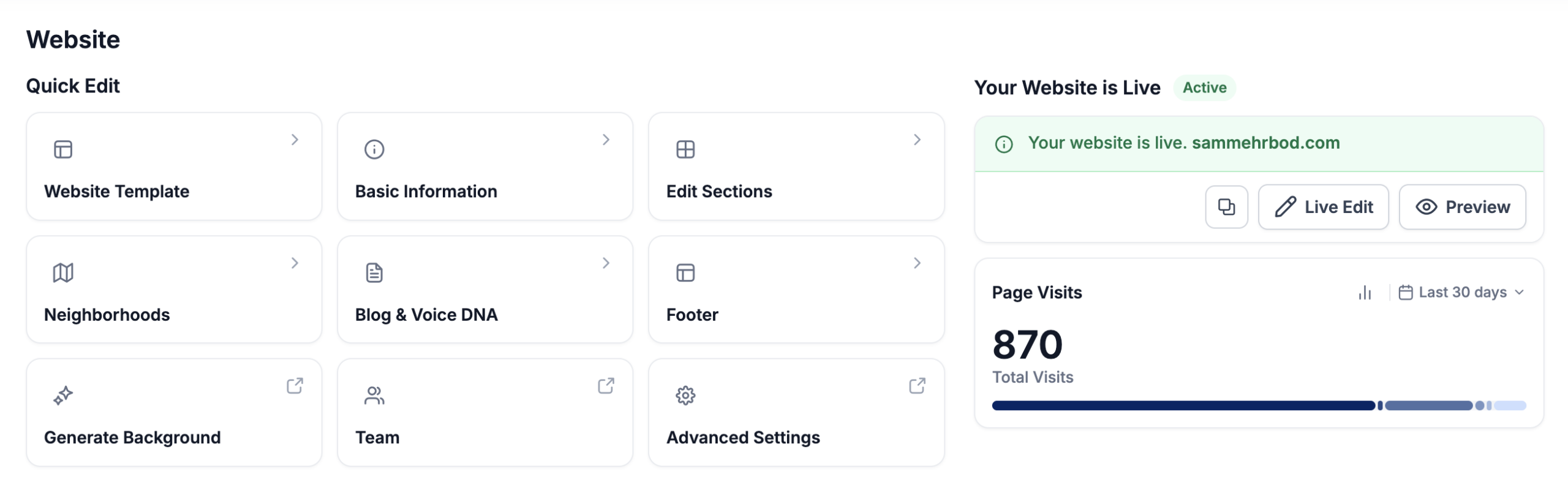
Open it from Website → Blog & Voice DNA → Set Your Voice DNA and fill in your content lanes, your audience, your tone, and a “Never say” list for topics you want kept out. More in What Is Voice DNA on roomvu?
That is it. Your blog is now running.
The Manage Your Blog Panel
Manage Your Blog is your blog’s control center: one pop-up with five options to create and edit posts and keep your blog fresh. You never need it for the daily posts, but it is there when you want to add something or check in.
To open it, go to Website in your roomvu dashboard and click Blog & Voice DNA under Quick Edit.


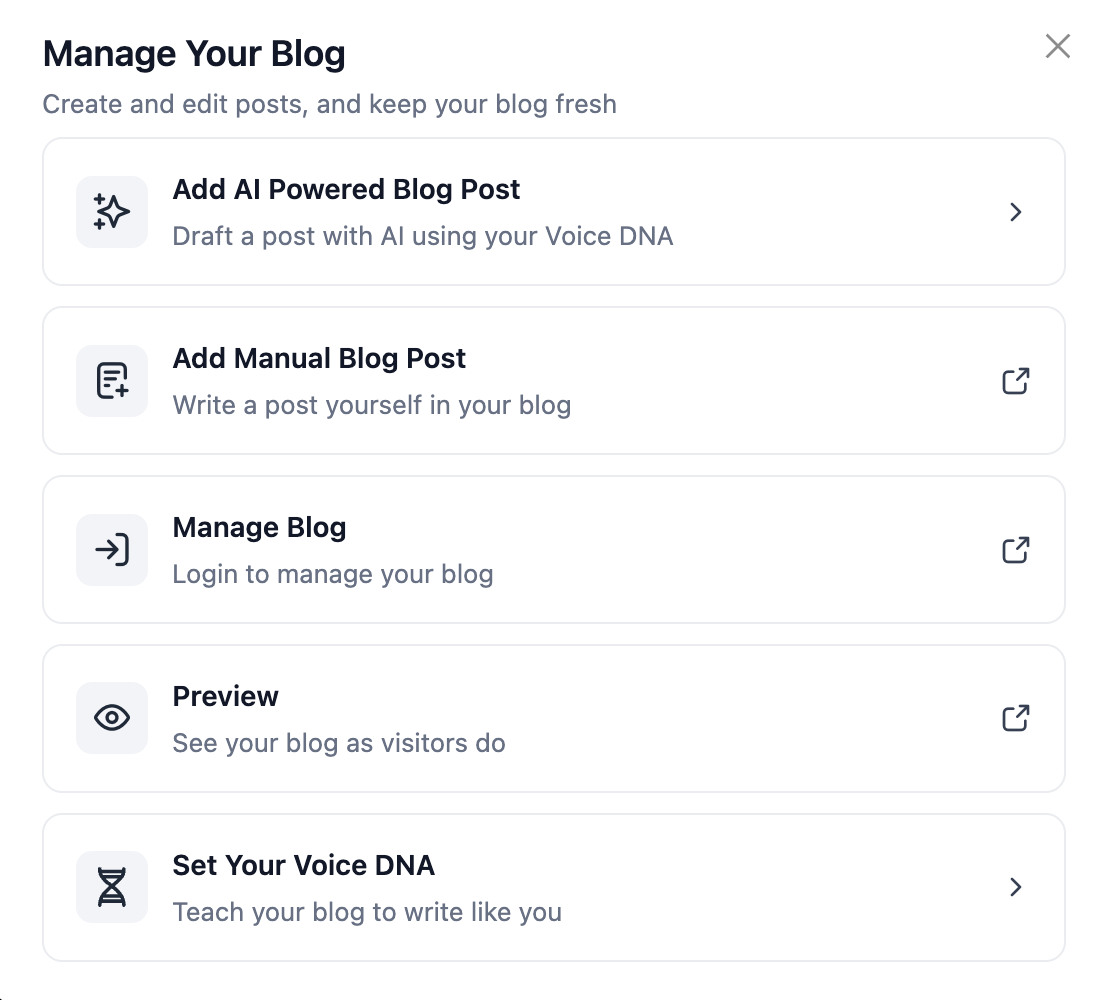
| Option | What it does | When to use it |
|---|---|---|
| Add AI Powered Blog Post | Drafts a full post with AI using your Voice DNA | You have a topic in mind and want it on your blog in minutes |
| Add Manual Blog Post | Opens your blog editor so you can write a post yourself | Rarely. Only if you want to write something word for word |
| Manage Blog | Logs you in to your blog’s back end | To edit or remove an existing post |
| Preview | Shows your blog the way visitors see it | To check what is live, or share the link with a client |
| Set Your Voice DNA | Teaches your blog to write like you | Once at setup, then whenever your focus or tone changes |
Tip: Preview is the quickest way to see your blog working. Open it once a week to see the new posts roomvu added for you.
Add an AI Powered Blog Post
Add AI Powered Blog Post is the main way to put your own topic on your blog: describe it in a sentence or two (or just say it), pick a length, and roomvu writes the full post in your voice. No blank page, no editor, no formatting.
Step 1: Describe your post
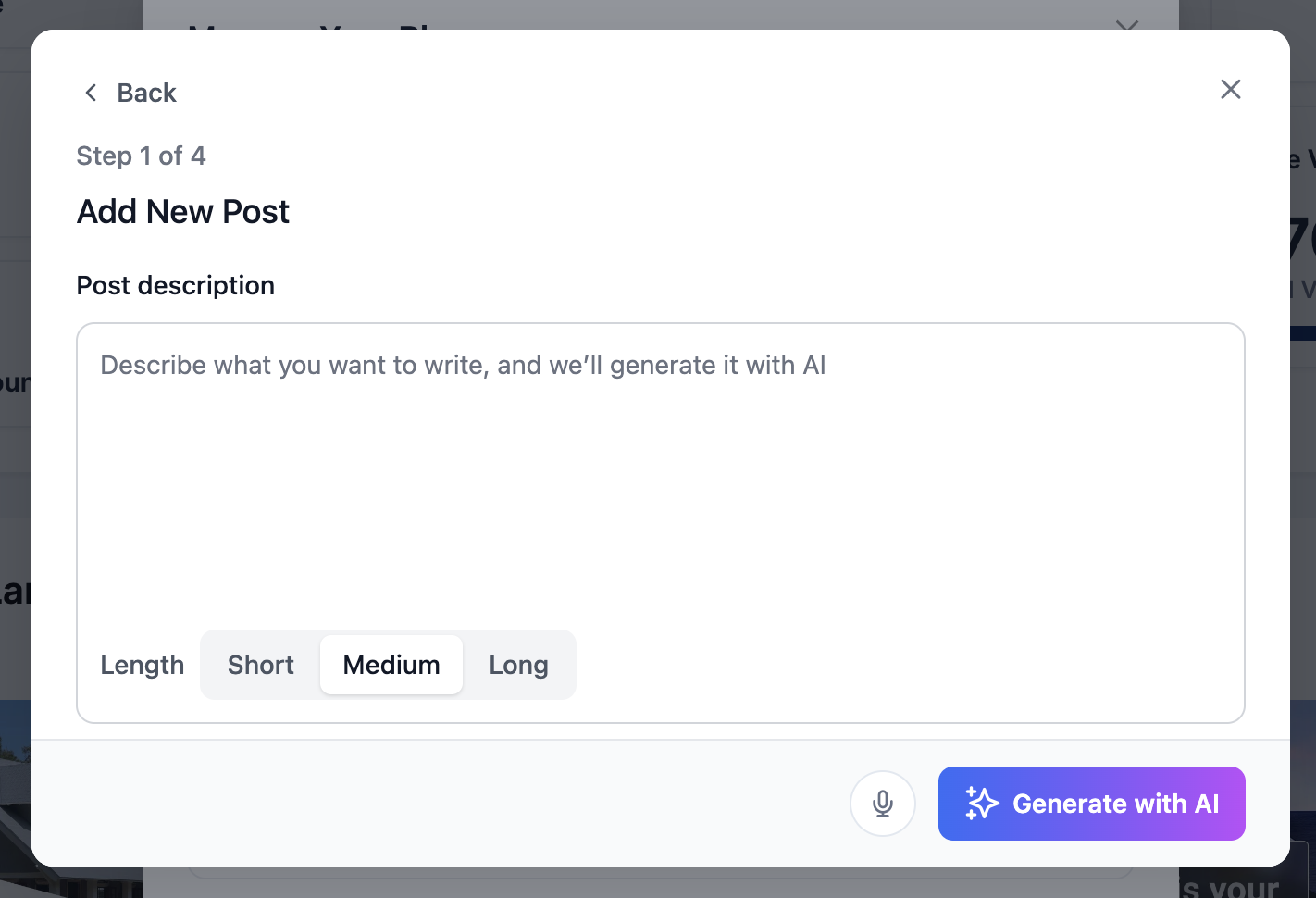
- Go to Website → Blog & Voice DNA and click Add AI Powered Blog Post. The Add New Post screen opens (Step 1 of 4).
- In Post description, describe what you want to write. A couple of sentences is enough.
- Prefer talking? Click the microphone and say it instead of typing.
- Pick a Length: Short, Medium (the default) or Long.
- Click Generate with AI.

| Length | Best for |
|---|---|
| Short | A quick tip, a local update, a reaction to news |
| Medium | Most posts: a question answered, a market take, a buyer or seller tip |
| Long | Neighborhood guides and bigger topics people research before they move |
Steps 2 to 4: Review and publish
roomvu drafts the post using your Voice DNA, then walks you through three short steps to check the draft and publish it to your blog. Read it once, tweak anything that does not sound like you, and publish.
What to put in the description
The AI does the writing. Your job is the idea. The best descriptions cover four things: the topic, the area, who it is for, and one thing only you know.
| Instead of | Try |
|---|---|
| Write about the market | Why spring is a good time to list a townhouse in Kitsilano, for upsizing families. Mention I saw multiple offers on 3-bed units this month. |
| First-time buyer tips | 3 mistakes first-time buyers make in Surrey, from my last few deals. Keep it friendly and practical. |
| Moving to Austin | What it is really like moving to Round Rock from California: commute, schools, and what surprised my last client. |
A few more tips:
- One idea per post. Two topics? Make two posts.
- Name the place. Neighborhood and city names are what Google and AI tools match to local questions.
- Add your angle. A client story, an opinion or something you saw this week turns a generic post into yours.
- Use the mic on the go. Record an idea right after a showing while it is fresh.
Optional: Give Your Blog a Boost
Your blog keeps itself fresh without these. When you have a few minutes, they add posts with your own take, which is what makes Google and AI tools see you as the local expert.
Answer a Neighborhood FAQ
A real question buyers and sellers ask about your area, answered as a slideshow with your AI portrait and added to your blog when scheduled. 20 AI Credits, about 3 minutes.
- Go to Content Calendar → Add Content → Create Your Own → Get AI Visibility.
- Click Neighborhood FAQ and pick a suggested topic.
- Add your own insight to the answer, click Create Content, then schedule it.
Full guide: How to Create Neighborhood FAQ Posts
Share a local event
roomvu finds real upcoming events near you. Pick one, add your take, and it goes to social and your blog. 20 AI Credits.
- Click Events on your dashboard, or go to Content Calendar → Add Content → Create Your Own → Events.
- Pick an event, add a line about why your audience should care, and click Create Content.
Full guide: How to Create Event Posts
Frequently Asked Questions
No. roomvu publishes daily posts in your voice automatically. Writing is optional.
Open Manage Your Blog, then Preview, to see it the way visitors do.
Check that your website runs on your own domain. Connect one under Settings → Website.
Update your Voice DNA from Website → Blog & Voice DNA → Set Your Voice DNA. Every new post follows it.
Yes. Use Manage Your Blog → Manage Blog to log in and edit any post.
No. Your blog publishes consistently on an SEO-friendly site, but rankings also depend on your domain’s age and local competition.
Email info@roomvu.com, use the in-app chat, or book a support session.
Set it up once. Let your blog do the rest.
Open Your Dashboard