


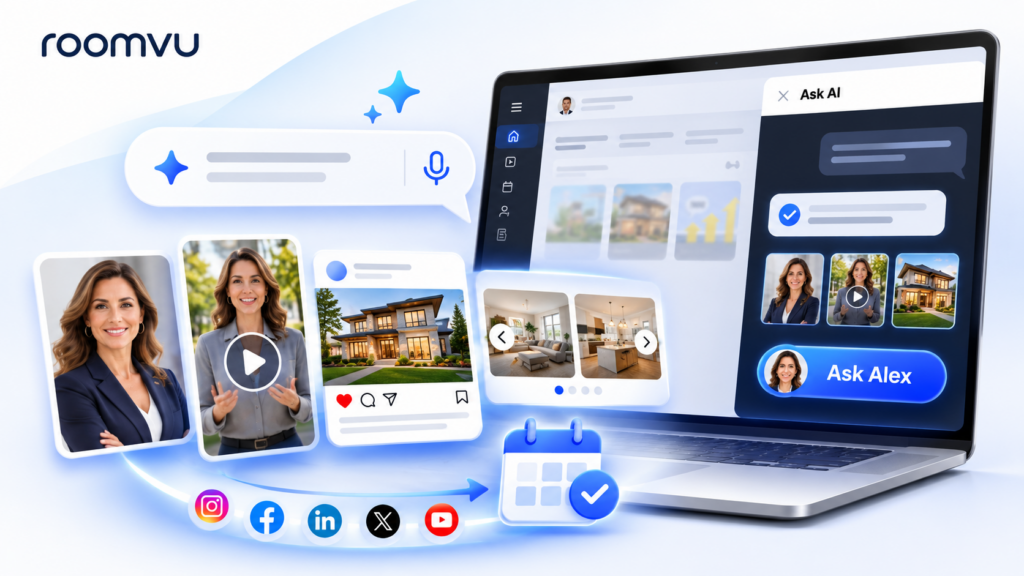
What if marketing your business took one sentence? Meet Ask Alex, the AI assistant built right into your roomvu dashboard. Tell Alex what you want, and it creates the post, video or portrait in your style, then publishes it for you.
Not just answers. Real content, made and posted.
Most AI chatbots stop at advice. They tell you what to post, and the work is still on you. Alex is different. It does the work: it creates the content with your face, your voice and your branding, and it puts it on your social media or your calendar. You just say what you want.

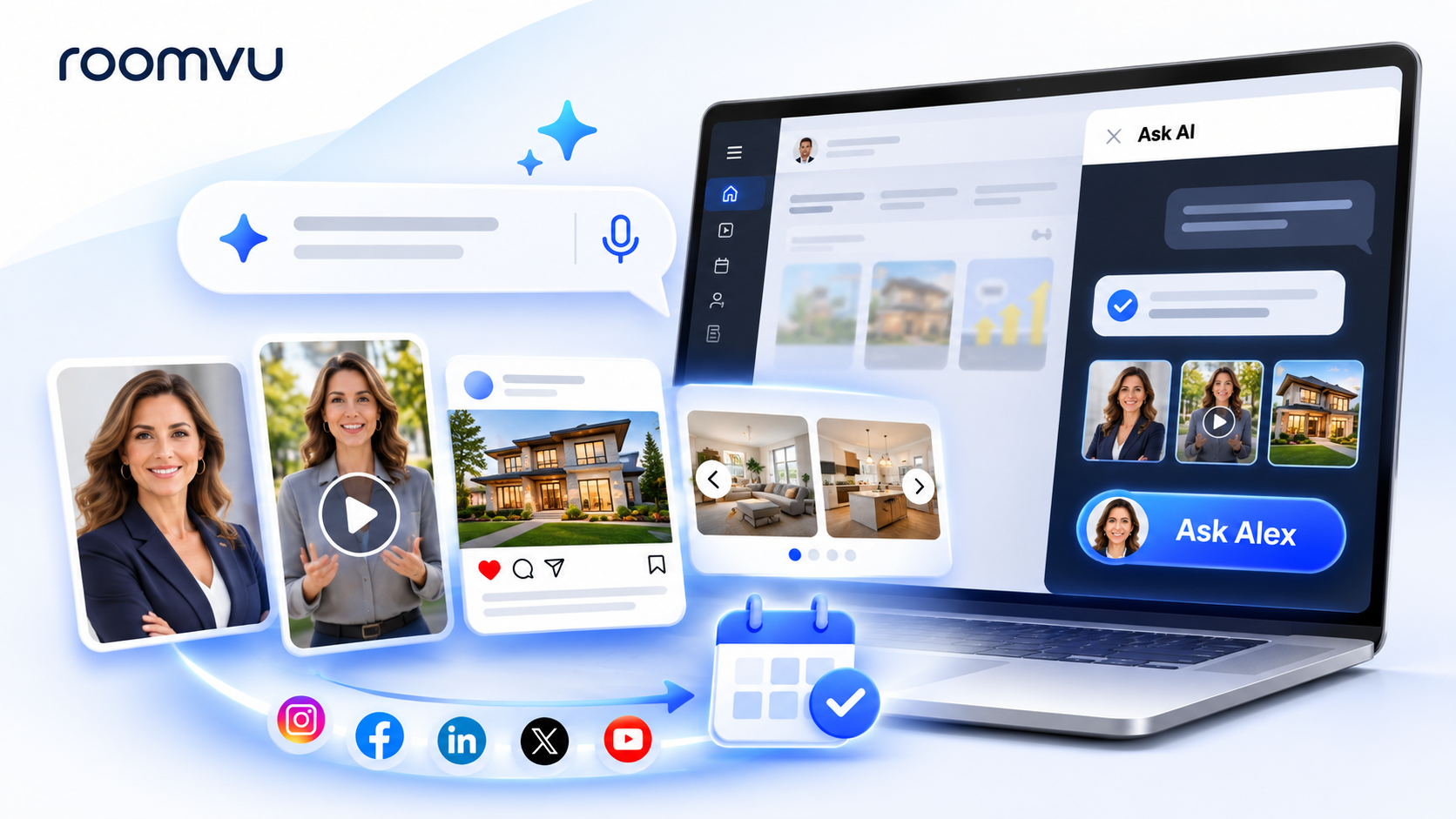
What You Can Ask Alex to Do
How It Works
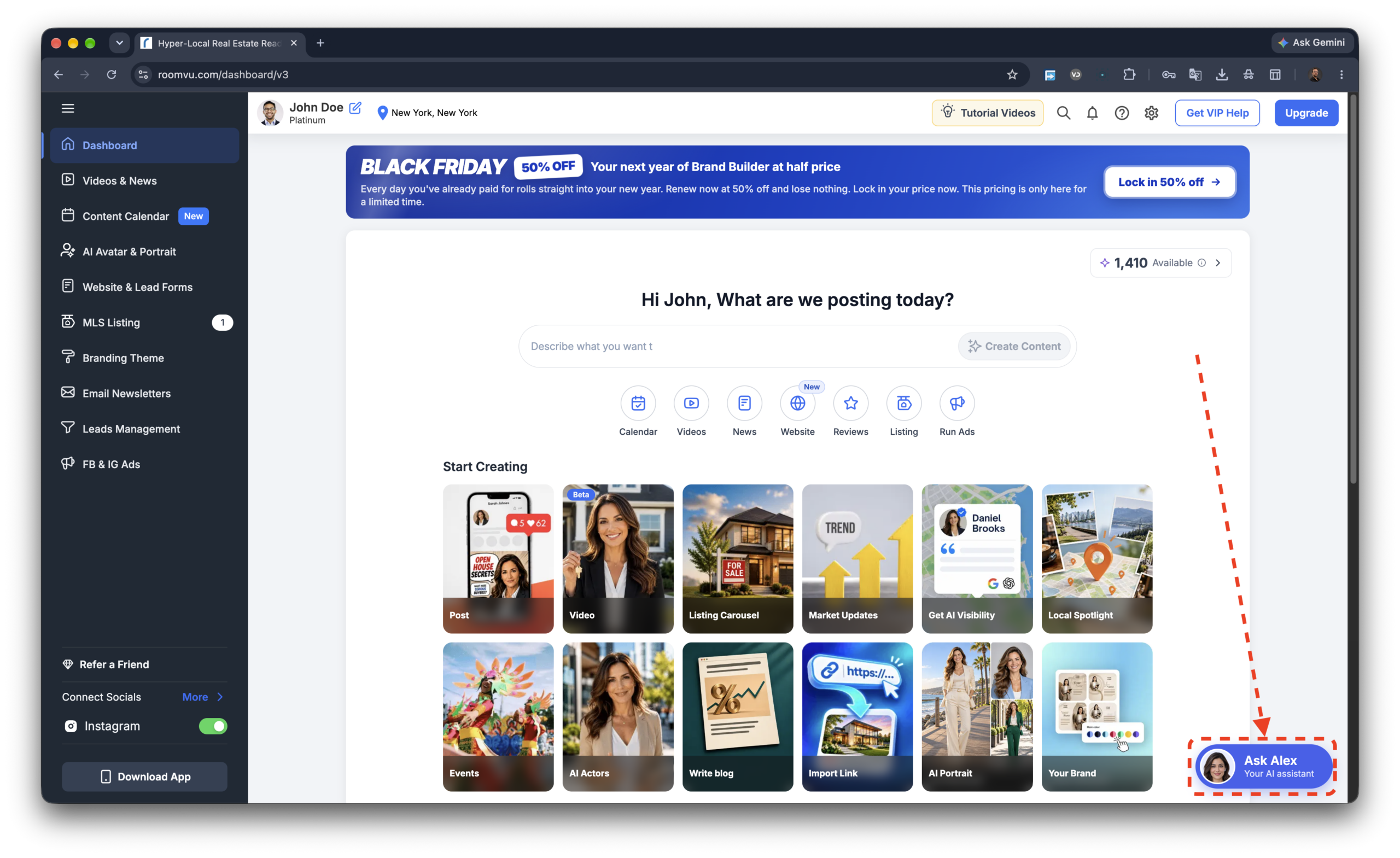
1. Click Ask Alex
Ask Alex sits at the bottom right of your dashboard, always one click away.

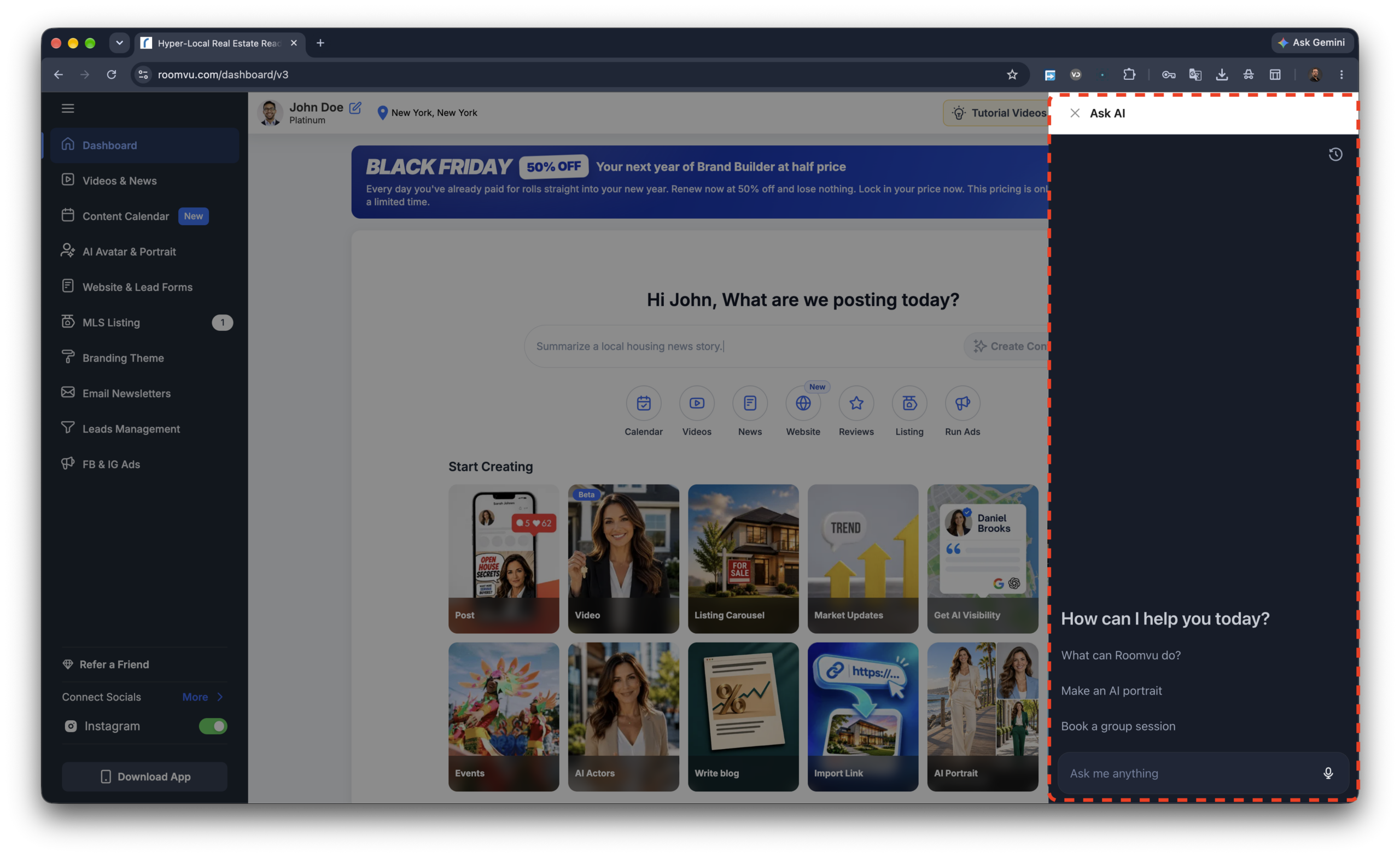
2. Just ask
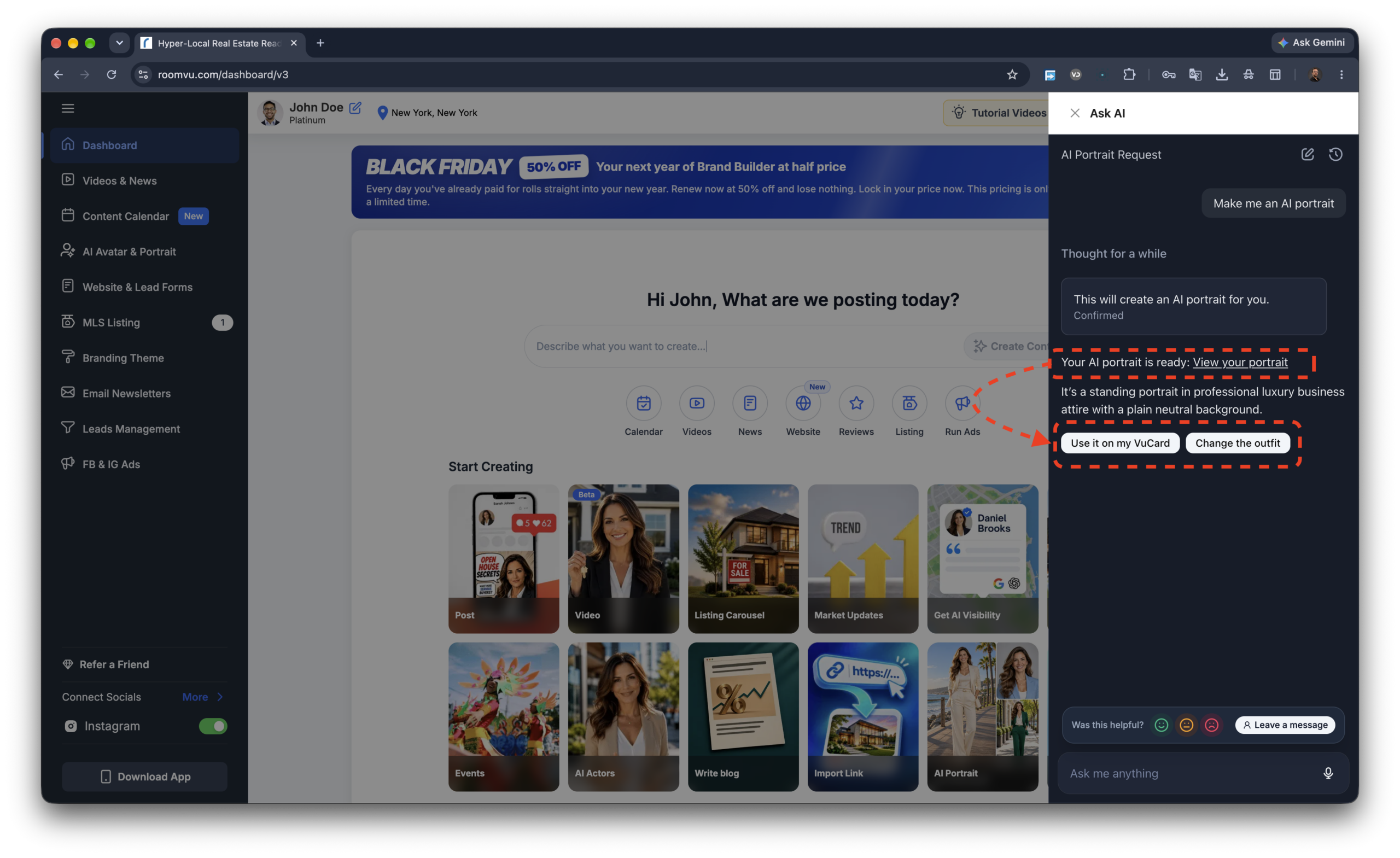
Type what you need, or tap the microphone and say it. Not sure where to start? Pick a suggestion like Make an AI portrait.
3. Get it done
Alex confirms what it is about to do, creates it, and hands it back ready to use. One click puts it to work, whether that is adding your new portrait to your VuCard or sending a video to your socials.
Try Asking Alex
- Make a short video about why spring is a great time to sell in my area and post it Tuesday morning
- Create a carousel about the farmers market this weekend
- Turn this month’s market stats into a post
- Make me an AI portrait in a navy suit on a rooftop
- Post my new listing on Instagram and Facebook
Why Agents Love It
- ⏱️ It saves hours. No templates to learn, no menus to dig through. One sentence replaces a whole afternoon of content work.
- 🗣️ It sounds and looks like you. Alex uses your AI portrait, your cloned voice and your branding, so nothing feels cookie-cutter.
- 📍 It keeps you local. Mention your city or neighborhood and your content speaks to the people you actually serve.
- ✅ You stay in control. Alex confirms before it creates or posts anything, and you can ask for changes in plain words.
- 🔁 You stay consistent. Showing up every week is easy when creating a post takes less time than writing an email.
Tip: Set up your AI portrait and voice clone once. From then on, every video Alex makes features you, speaking in your own voice.
Frequently Asked Questions
Click the Ask Alex button at the bottom right of your roomvu dashboard. The Ask AI panel opens on the right.
Yes. Ask Alex to post now or schedule a day and time, and it publishes to your connected social accounts or adds the post to your Content Calendar.
Yes, once you have a default AI portrait and a cloned voice. Alex uses them automatically in the videos it creates.
Yes. Alex confirms before it creates or posts, and you can ask for edits in plain words. Scheduled posts can also be edited in your Content Calendar.
Yes. Tap the microphone in the Ask me anything field and say what you need.
Videos, AI portraits and creative posts use AI credits on paid plans. Your balance shows on your dashboard, and if a generation fails, the credits are returned.
Your next post is one sentence away.
Ask Alex Now